


• Tag

Xamarin.Forms

77 posts

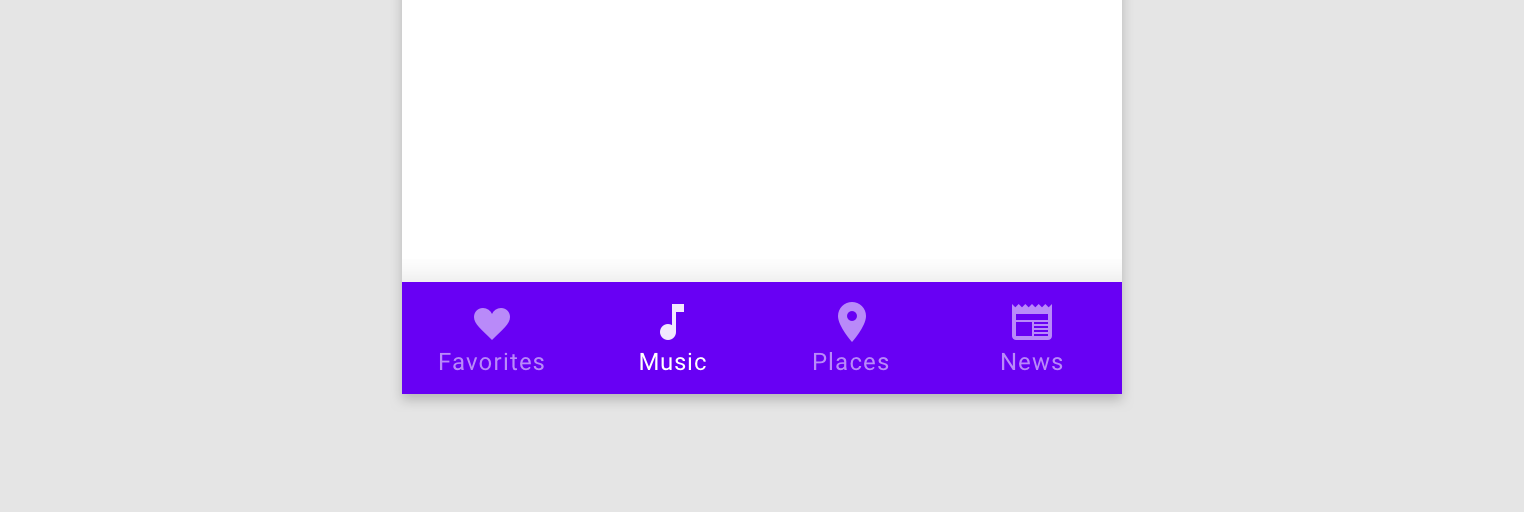
Xamarin.Forms: Fully Customize Bottom Tabs on Android & Turn Off Shifting

It seems as if the BottomNavigationView aka Bottom Tabs on Android is one of the top things that I write about on my blogs. There was an introduction post, how to use reflection to remove shifting on native Xamarin.Android, official support in Xamarin.Forms, and most recently how to get a nice drop shadow. I am back one more time to talk specifically about how to finely tune those bottom tabs on android and stop the …

James Montemagno

Xamarin.Forms: Filtering a ListView with a Bindable Picker

In this edition of "Ask Motz", I will solve a very common problem when working with lists of data and how to filter them. I was recently asked how to do this completely with MVVM and data bindings without having any code behind in the page. @JamesMontemagno hi I had a bindable pucker with All,Open and Close as a items which is binding using MVVM pattern with Itemsource property.But I want to filter the list …

James Montemagno

Xamarin.Forms: Official Bottom Navigation/Bottom Tabs on Android

Bottom tabs on Android... Love them... Hate them... it doesn't matter because Google seems to be all in on them. Top tabs were really designed to sort differerent types of data, while bottom tabs make a lot of sense when you want to use them for your entire application's navigation. It also has the perk that it synchronizes your application design and navigation with the iOS counterpart.

James Montemagno

Xamarin.Forms: Drop Shadows on Android Navigation Toolbar

One thing that always bothered me when developing Xamarin.Forms applications for Android is that for some reason the toolbar area looked flat... well because it was flat: See how it just melds together with the rest of the applicaton. Where is that lovely drop shadow that we know and love?!?!?! Well, it is a bit complicated as that elevation drop shadow comes from the Toolbar and Xamarin.Forms applications only have …

James Montemagno

Xamarin.Forms - Icons in Navigation Toolbar

A somewhat common scenario for mobile apps is to place an icon in the center of the Navigation Toolbar. While I am not sure if this is really best practice in 2018 there still seems to be a lot of demand to do this. What if I was to tell you that this is actually pretty easy to do and for iOS it is built directly into Xamarin.Forms with no need for a custom renderer?

James Montemagno

Push Notification Options for Mobile Apps

My good friend Andrew and I recently had a Twitter conversation on what is the best route to take when implementing push notifications in your mobile applications. If you do a quick search there are a lot of options out there and it can be tricky to figure out the best route to take, but having implemented push notifications in several applications I can tell you there are really only two options you need to …

James Montemagno

VS App Center Custom Build Scripts for Production Apps

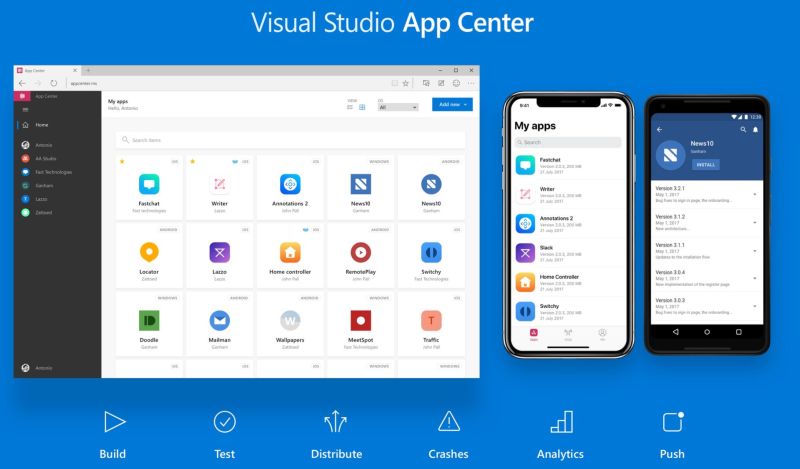
A few weeks ago I introduced my Mobile App Tasks for VSTS to help developers streamline their build and release pipeline for iOS and Android apps. This collection of tasks contains things that almost every app needs at some point. This includes changing app identifiers or names and most importantly bumping version codes and names. So far, feedback of these tasks has been great:

James Montemagno
Milli the dog peeking up from the bottom of the page