




Getting started, step by step, in under 15 minutes!
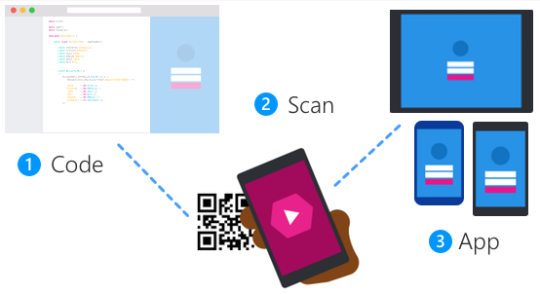
Yesterday, we announced the Xamarin Live Player for both iOS and Android which includes the Live Player Extensions for both Visual Studio 2017 and Visual Studio for Mac enabling you to get started with mobile development with just a device! The Live Player apps let you debug your apps and make live edits and see them reflected live on your device. Your code runs inside of the Live Player app, so no emulator needed and everything happens over WiFi, so you don’t even need to plug anything in.
To get a good grasp of how the app works check out Miguel and me on stage at Build 2017 on the Future of App Development with Xamarin.
Getting started with the Live Players is super simple and we have AMAZING DOCUMENTATION that you should read to get started.
Now once you have things running be sure to read through the Limitations and the Troubleshooting guide if you run into any issues and join the discussion on the forums.
Update 1: New Xamarin Live Player for Android Walkthrough video:
Update 2: Want to know how the Live Player was built? Listen to Frank and I on Merge Conflict discuss: